A colouring app for Android styluses: which pens get pressure, tilt and hover
PencilDrop gives any pen Android reports as a stylus its pen features, with pressure, tilt and hover wherever the pen has them. A rubber-tipped stylus works too, as a finger.
Android tablets take a lot of different pens, and a colouring app can only use what the tablet passes on. PencilDrop asks Android what just touched the glass. If Android says a stylus, the pen gets PencilDrop's pen features: pressure, tilt and hover wherever it has them, and a resting hand that leaves no mark. If Android says a finger, which is how a rubber or disc-tipped stylus looks to it, you get PencilDrop's touch colouring instead. Both enter the same daily contest, judged the same way.
Which Android styluses does PencilDrop treat as a pen?
Any pen your tablet reports to Android as a stylus. In practice that means the active pens made to work with a particular device or standard:
- Samsung's S Pen, on Galaxy Tab S tablets and Galaxy Ultra phones. Our S Pen guide has the detail.
- USI pens, on tablets made for the USI standard.
- Pens made for one maker's tablets, such as the pens Lenovo, Xiaomi and OnePlus make for theirs.
Pens differ in what they report. PencilDrop uses pressure, tilt and hover when your pen and tablet send them, and simply goes without the ones they don't.
How can you tell whether PencilDrop sees your pen?
It takes ten seconds. Open today's page and touch it with the pen, then tap Mode on the tool strip. If "Pencil draws only" is in the list, PencilDrop sees a pen (that's its name for the pen mode, whatever the pen). If you only see "Touch draws" and "Fill only", your tablet is reporting the pen as a finger.
To see which pen features you have, pick the pencil tool and draw two short lines, one pressing lightly and one pressing firmly. If the firm one is wider and darker, your pen reports pressure. Draw one with the pen upright and one with it laid well over: if the second is broader and softer, it reports tilt. And hold the tip just above the glass: if an outline of the brush appears, it hovers.
What does a recognised pen get?
- Pressure, through the same brush settings as an Apple Pencil. A light touch with the pencil gives a thin, see-through line and a firmer one widens and fills it in. The crayon does the same with more grain, the airbrush sprays more, the chisel thickens, and the marker keeps its width and only deepens a little. The chisel and watercolour are PencilDrop Plus brushes; the others are free.
- Tilt. Lay the pen over and the pencil and crayon broaden into a soft, grainy band in the direction the pen points, and the airbrush, chisel and watercolour broaden too. Without tilt, every brush draws as if the pen were upright.
- Hover. If your pen hovers, hold the tip just above the glass and an outline shows the size, shape and colour of the mark you're about to make. It goes when the tip touches down and comes back when you lift.
- A resting hand. As soon as your pen touches the page or hovers over it, PencilDrop switches to "Pencil draws only", unless you've already picked a mode: the pen colours, one finger pans the page and a resting hand leaves no mark.
- Every sample. PencilDrop asks Android for each sample the pen reports as it arrives, rather than one bundle per refresh of the screen, and on Android 14 and later it uses Android's motion prediction, where your tablet offers it, to draw a little ahead of the tip.
Whatever the pen, every stroke stays inside the shape it starts in, because we map every shape of every page before it goes out. Turn on Fill and a tap of the pen fills a whole shape.
What about a cheap rubber-tipped or disc stylus?
It works, as a finger. A passive stylus, the kind with a rubber dome, mesh or clear disc tip and no battery or pairing, is a conductive tip that Android can't tell from a fingertip. Most "universal" active styluses, the ones you charge but never pair, look like a finger to Android too. PencilDrop gives them its touch colouring, which was made for exactly this:
- Fill first. Turn on Fill on the tool strip and a tap fills a whole shape in one colour. A page filled that way is finished and ready to enter, and you can turn Fill off and shade over it afterwards.
- Slow down for depth. With no pressure to read, PencilDrop reads the speed of the stroke instead: slow strokes put down more colour and quick ones leave a lighter mark. A slow pass along the shadow side of a shape and quick ones across the light side is shading.
- Zoom in for small shapes. A fat tip covers more than it looks. Pinch in as far as eight times and the page redraws sharp, so the small shapes get the same care as the big ones.
- Stay in Fill if your hand keeps marking the page. While Fill is on, a drag pans, a tap fills and nothing draws, so a resting hand never marks the page.
Does the stylus you use change how you're judged?
No. Judges see two entries of the same page side by side, without names, and nothing on an entry says what it was coloured with. A tap-filled page and a layered page from a pen go on the same leaderboard and are rated the same way.
What PencilDrop doesn't do with Android pens
- Pen buttons have no job in PencilDrop, and an eraser end, on a pen that has one, colours like the tip. The eraser is on the tool strip.
- There's no double tap, squeeze, barrel roll or haptic feedback from a pen on Android. Those are Apple Pencil gestures; here's what each Apple Pencil does in PencilDrop.
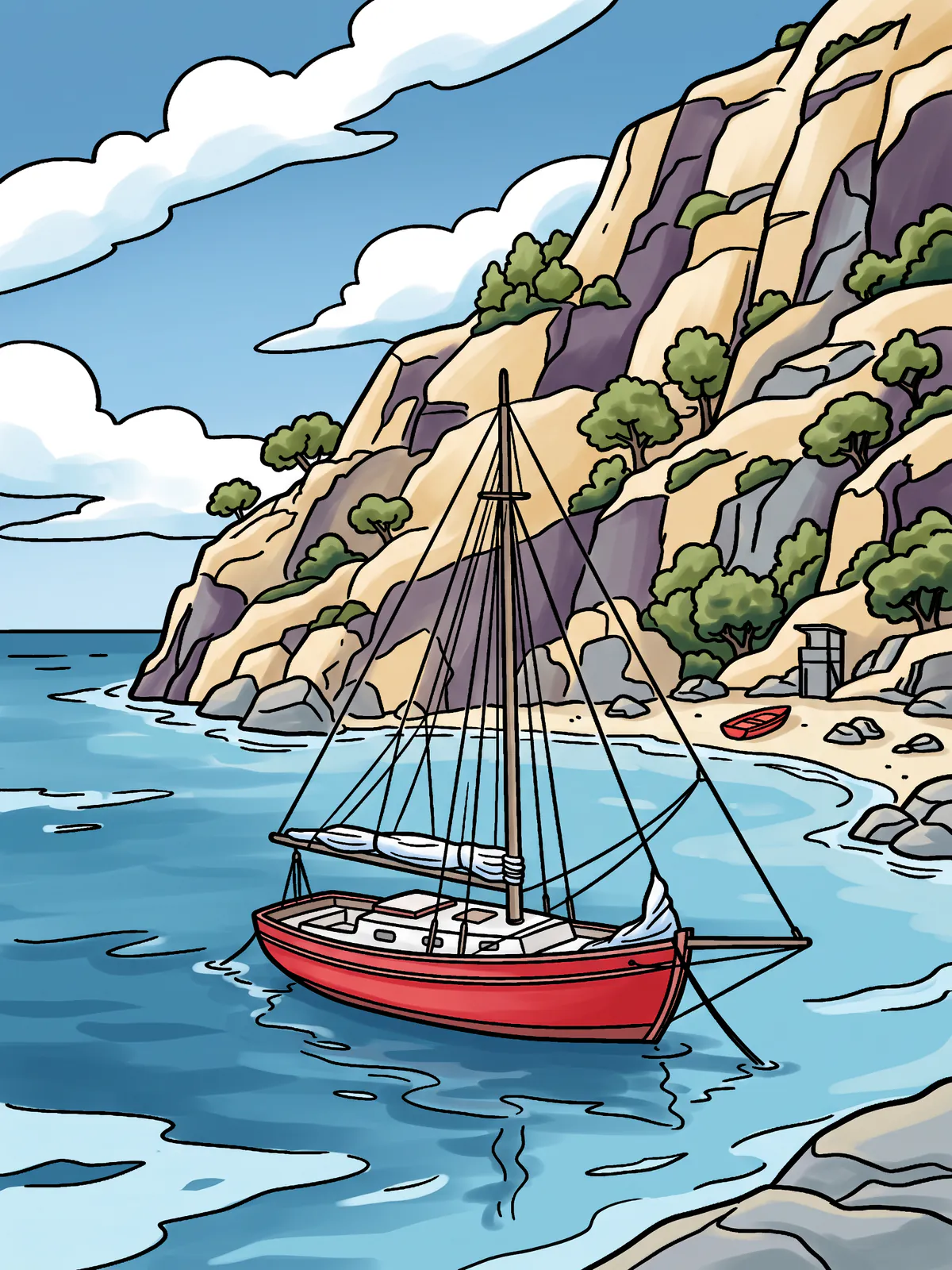
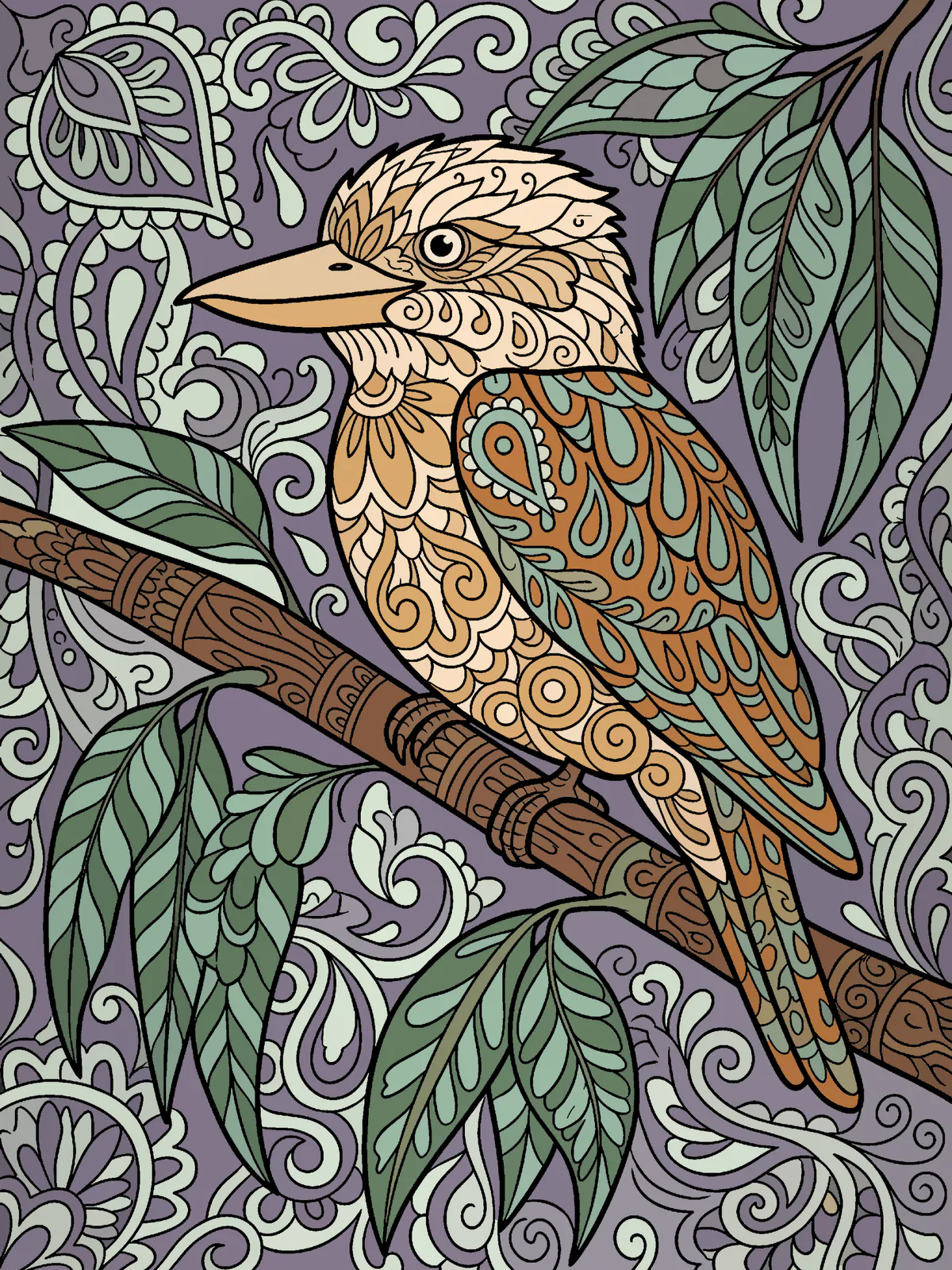
These are our own examples of what a page can become, each coloured to a written colour plan. They aren’t competition entries.
Quick answers
Which Android styluses work with PencilDrop?
Every stylus that works on your screen works in PencilDrop. A pen your tablet reports to Android as a stylus, such as the S Pen or a USI pen, gets PencilDrop’s pen features, and a passive rubber-tipped stylus works as a finger.
Does PencilDrop support stylus pressure on Android?
Yes, for a pen that reports pressure to Android: PencilDrop runs it through the same brush settings as an Apple Pencil. A passive stylus has no pressure, so slow strokes put down more colour than quick ones instead.
How do I know if PencilDrop recognises my stylus?
Touch today’s page with the pen, then tap Mode on the tool strip. If “Pencil draws only” is listed, PencilDrop sees a pen; if you only see “Touch draws” and “Fill only”, your tablet reports the pen as a finger.
Does my stylus’s eraser end work in PencilDrop?
Not as an eraser. PencilDrop colours with the eraser end as it does with the tip, so pick the eraser from the tool strip instead.
Is a cheap capacitive stylus any good for colouring?
It’s good for tap fills and broad colour, because PencilDrop treats it as a finger and keeps every stroke inside its shape. For pressure, tilt and hover you need an active pen that your tablet reports as a stylus.
Apple Pencil and iPad are trademarks of Apple Inc., Galaxy and S Pen of Samsung Electronics, and Android of Google LLC; other names are their owners’ trademarks. PencilDrop isn’t made or endorsed by any of them.