How a PencilDrop colouring page is made
Our line art is drawn with AI image generation, then checked by software and approved by a person before anyone colours it.
A new page every day is a lot of pages, and we make them with AI image generation. This is how, set out plainly, so nobody is left squinting at a mandala, wondering.
The written brief
Every page starts as a short written brief that names a subject and a style and says how complex the page should be. Subjects come from a list we keep and rotate, botanicals one week and architecture the next. The list leaves out things image models reliably get wrong, like hands and close-up faces. If you've ever counted the fingers on an AI drawing, you'll understand.
A daily page is drawn to be finished in an evening; the weekly and monthly pages are denser. The briefs are versioned, so when a style keeps coming out wrong we change the wording and draw again, and every page records which version drew it.
There are four styles at the moment. Bold & Easy has thick rounded outlines and big plain shapes. Intricate Pattern Art is mandalas and doodles. Classic Comic & Clean Line Art looks like a newspaper strip before colouring, and Grayscale & Sketch Realism keeps its own stippled and hatched shading, with your colour going underneath.
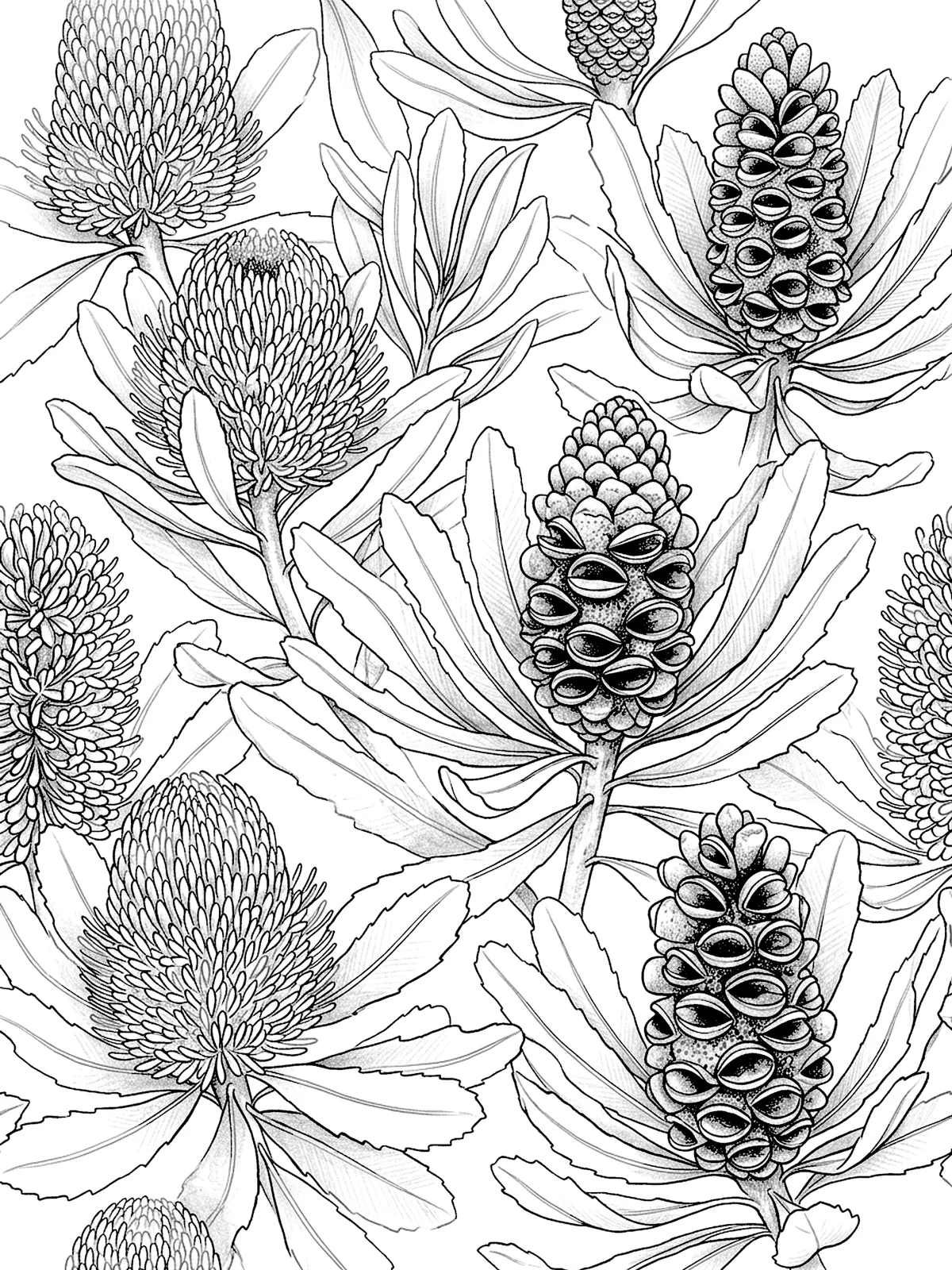
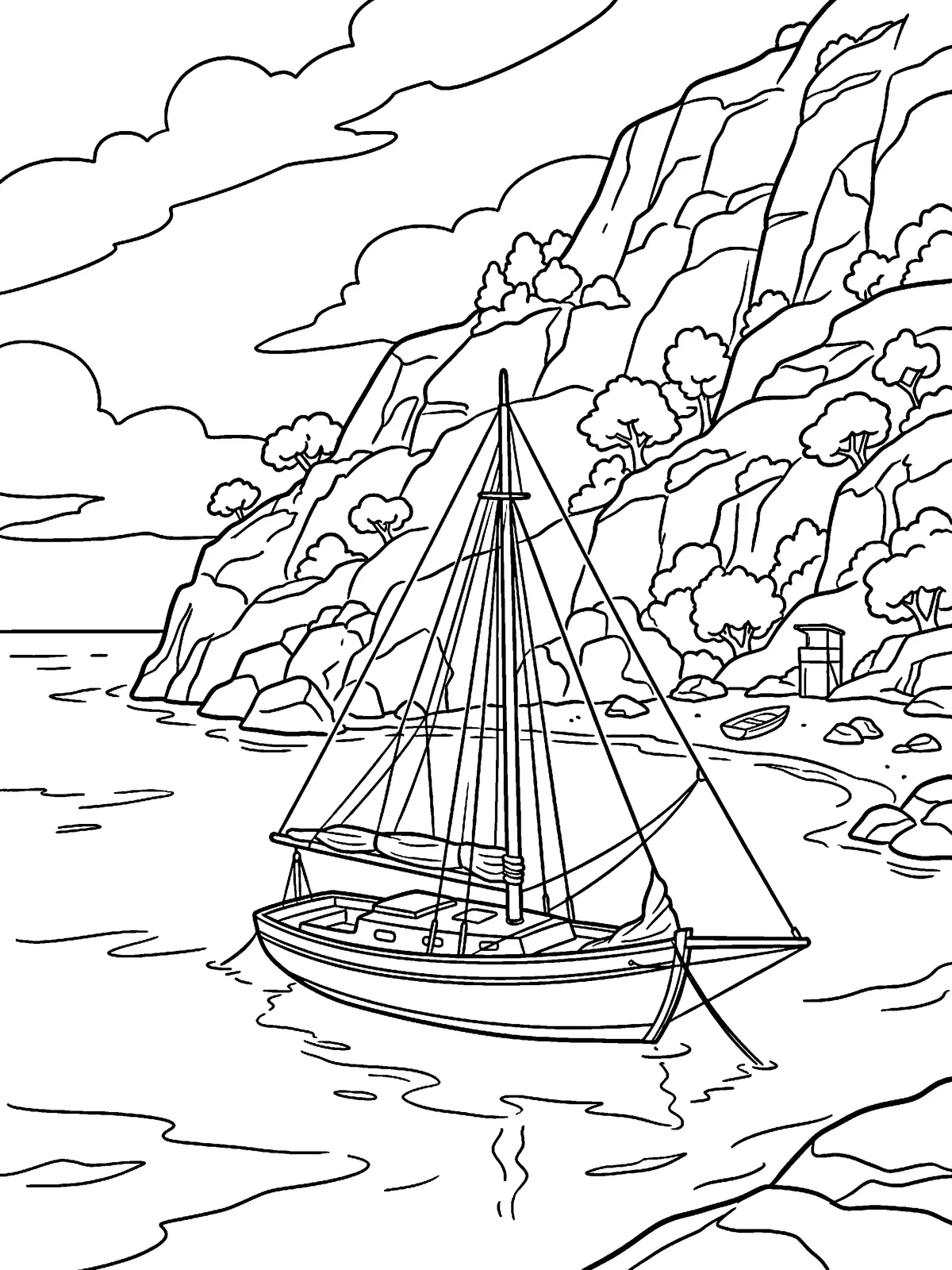
Drawing the candidates
The brief goes to an image model, which sends back candidate drawings. Most won't make it, and at a few cents a drawing we can afford to be fussy. Every attempt is kept on record with the exact prompt and seed behind it.
Finding every shape on the page
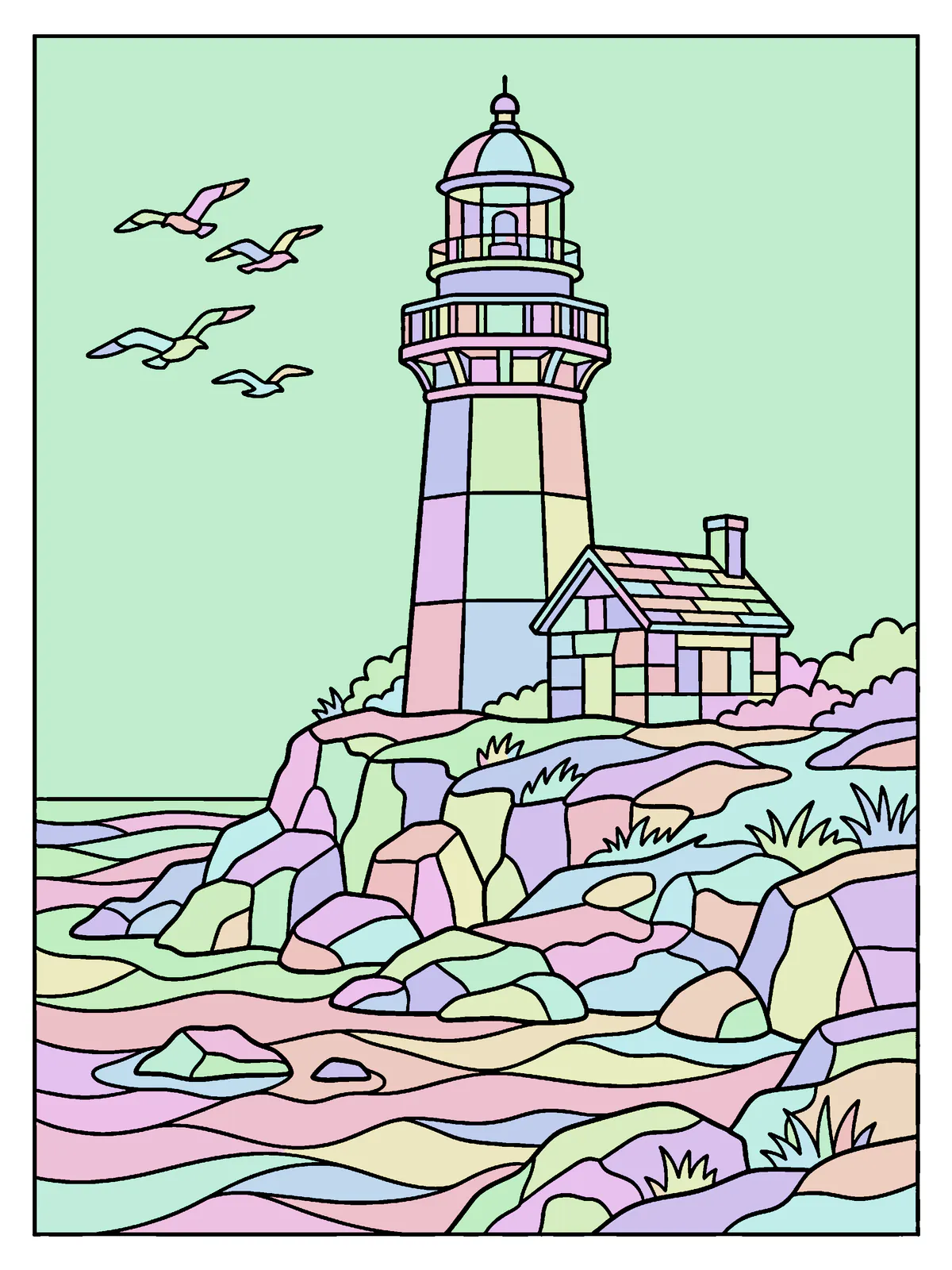
Each candidate is cleaned into crisp black line art, and any tiny gaps where two lines nearly meet are closed up. Then software maps the page, finding every closed shape and giving each one a number and a size. That map is why one tap fills a shape and a pencil stroke stays inside the lines, and it tells us roughly how long a page takes to colour.
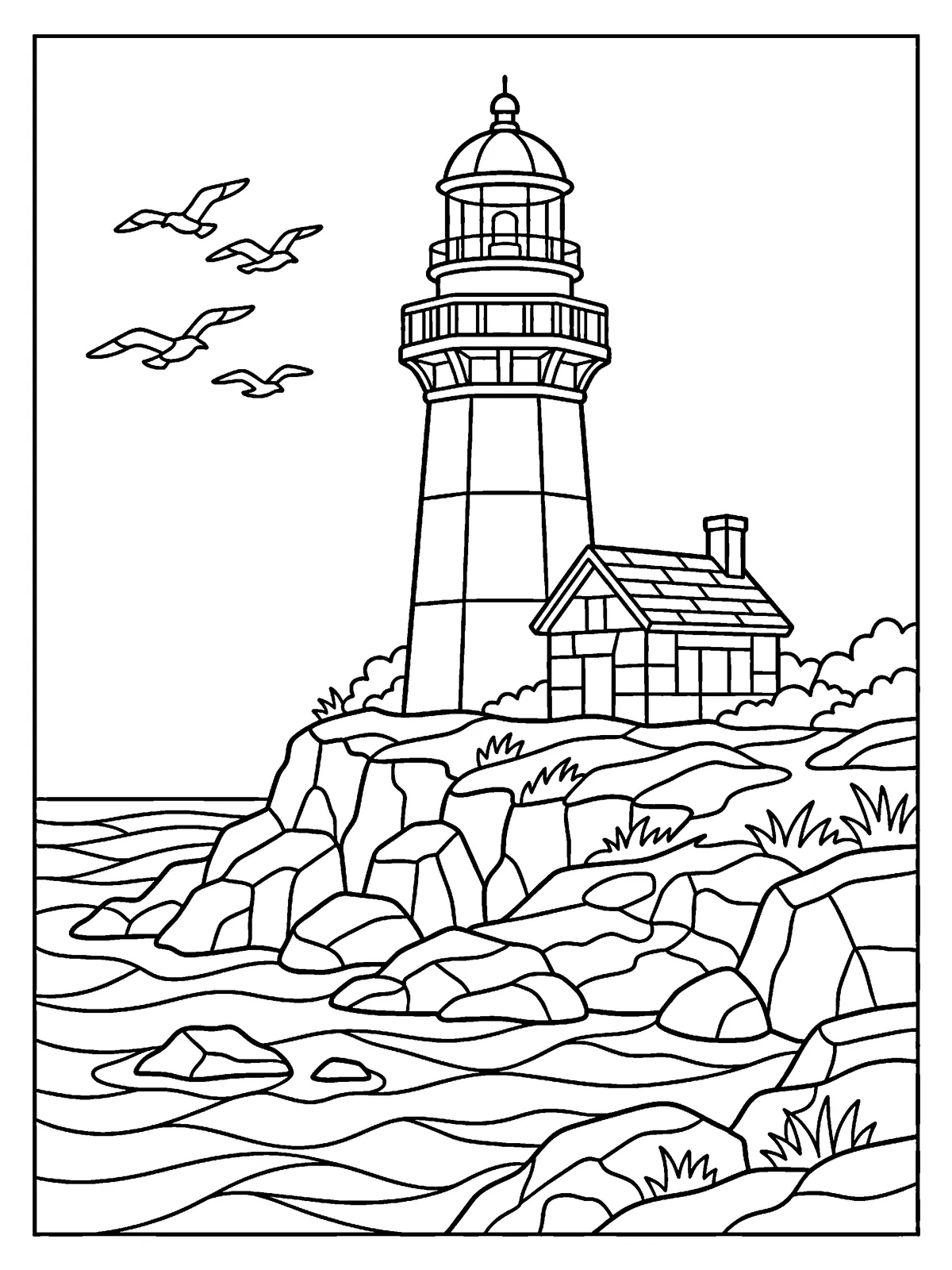
The person reviewing the page sees this map too. In pastel, a shape that has run into its neighbour jumps straight out.
The automatic checks
A safety screen goes first, looking for anything with no business on a colouring page, text and logos included. A page it flags is rejected and never stored. Then the fillability checks want the right number of shapes, shapes that close, an even line, and nothing too small to colour with a fingertip or a pencil. A page that fails is rejected automatically, with the reason written down.
A person checks every page
Someone on our team then looks at every page that gets through, the way you would before colouring it. Is it pleasant to colour, and clearly line art? Has anything crept in that reads as text or a logo, or a face that shouldn't be there? Would any patch be hard on the eyes?
If it isn't right, they reject it with a reason or send it back to be drawn from a changed prompt. If it is, they approve it and pick the day and hour it opens. The server refuses to open any page without that approval.
How you can tell a page was made with AI
Every page in the app wears a small mark saying it was made with AI. Tap it and it tells you what was generated and that a person approved it. It also points you to the record. The page's files carry the model and the date, and we keep the full history, prompt and seed included. Both store listings and the AI section of the Community Rules say the same.
Free printable pages
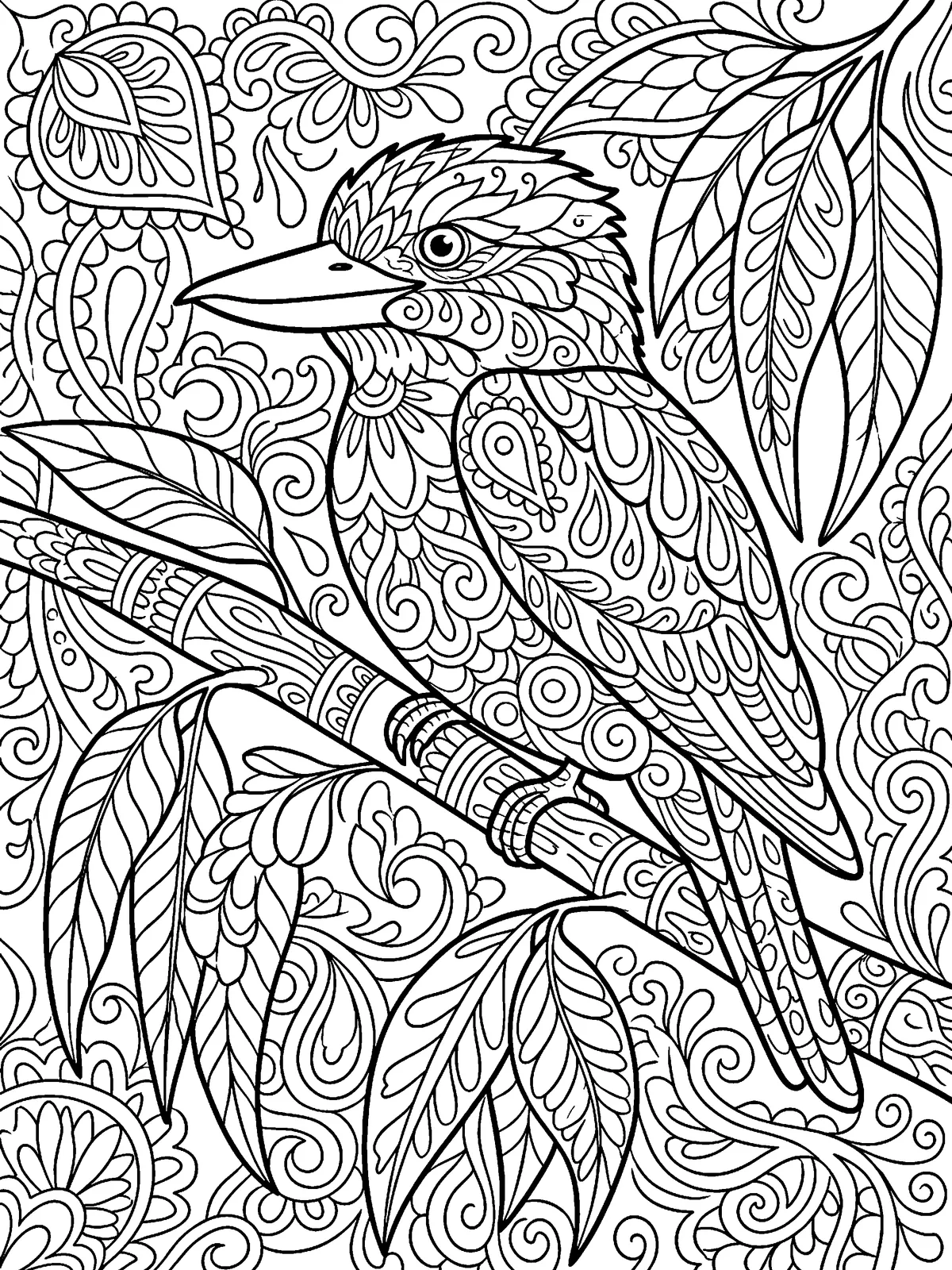
Once a drop has closed and its results are frozen, its page joins the archive in the app, and some time later the free pages here, as a printable line-art file for personal use. Colour it with real pencils at the kitchen table, or open it in the app. It's the page everyone coloured for the drop, but nobody judges this copy, so take the whole weekend over it.
The coloured examples on this site
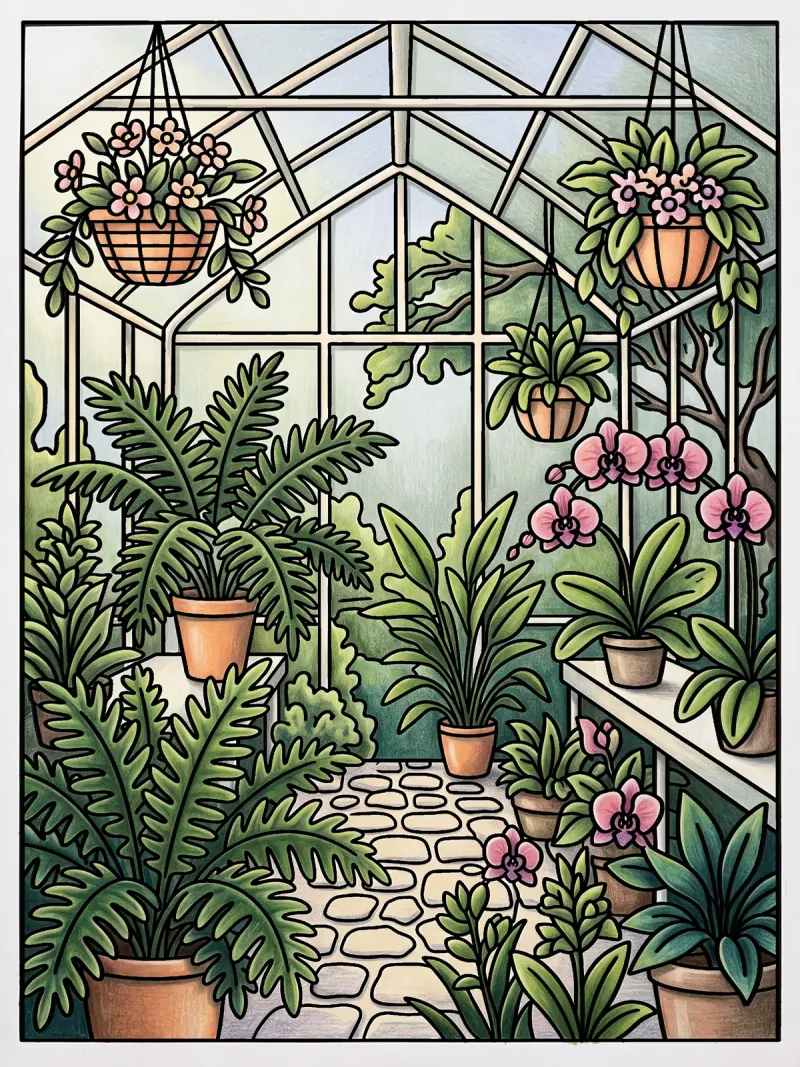
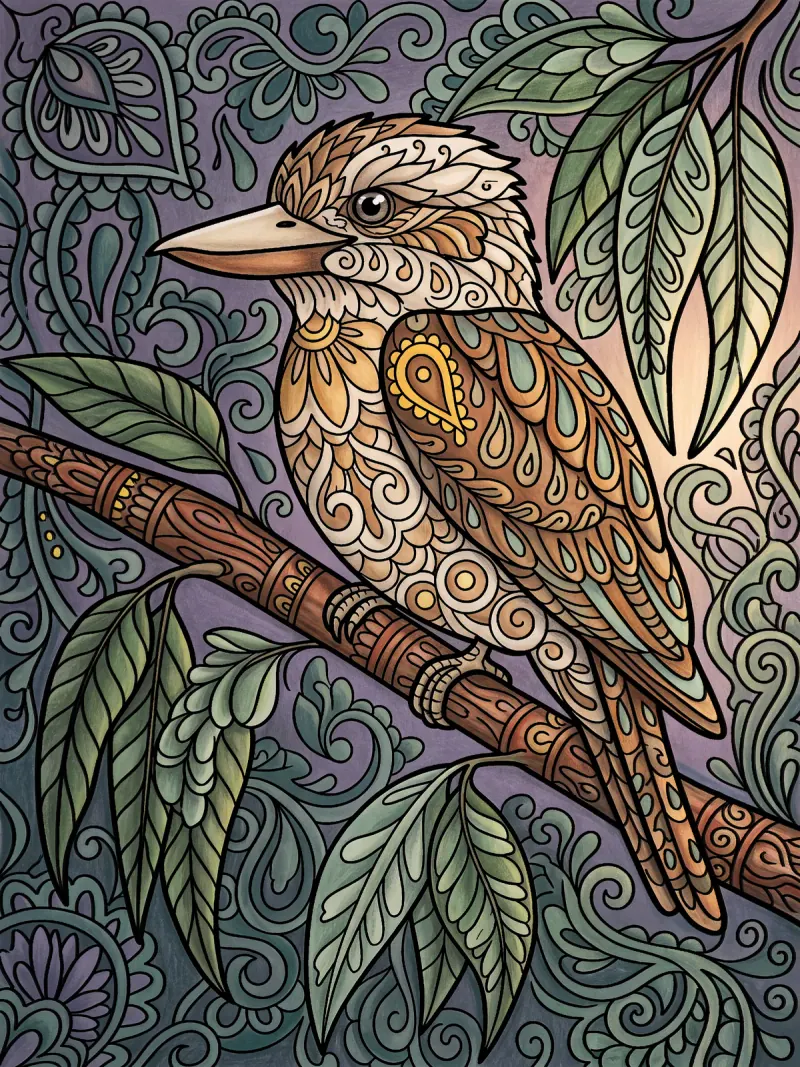
The coloured pages around this site are examples of what a page can become, each made to a colour plan we wrote. A plan says where the light is, which few colours to use, what's light and what's dark, and which one colour gets to be loud.
The page's own line art then goes back over the colouring, so every outline is the page's, and a colouring whose lines wander too far is never published. The simplest ones, the first pages, are snapped to the region map, one colour to a shape, exactly what a tap per shape makes in the app. None of them is anyone's entry, and none is ever judged.
These are our own examples of what a page can become, each coloured to a written colour plan. They aren’t competition entries.